
Unicode Escapes for Developers: HTML, CSS and JavaScript
2 min read • Updated October 17, 2026
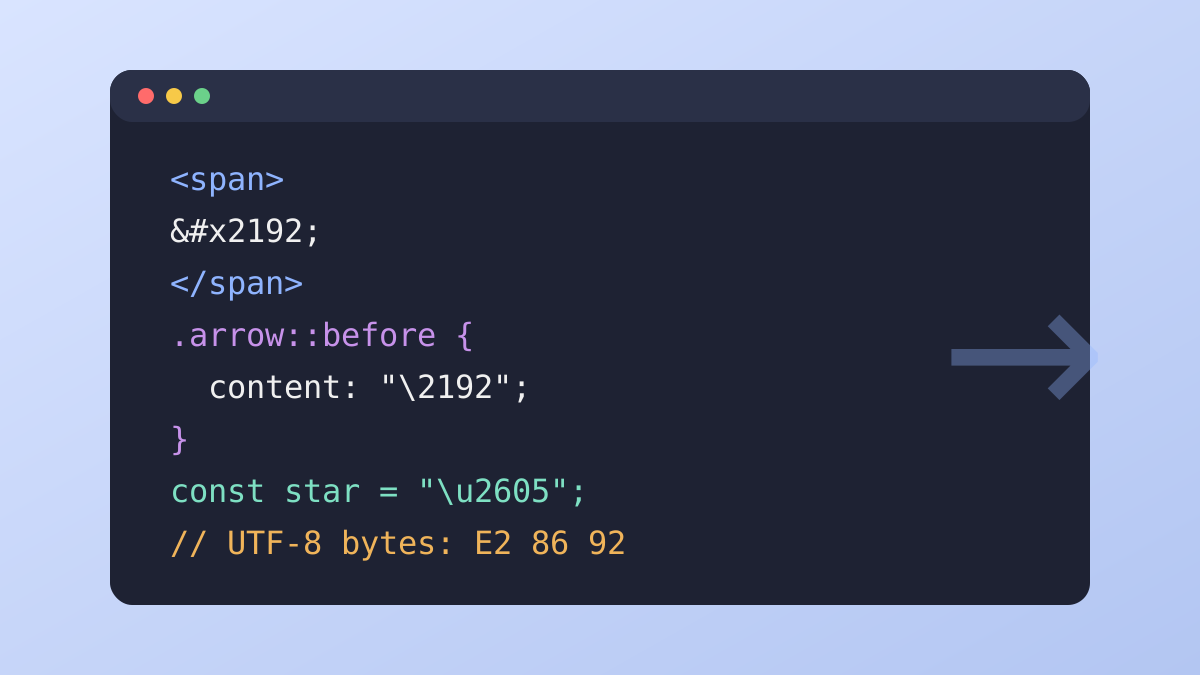
Source files and templates sometimes cannot hold a raw symbol, because of encoding settings or editor limits. Escape sequences let you write the code point instead, so the character appears correctly wherever the code runs.
Glyphboard: HTML entities
A numeric entity uses the form → for hexadecimal or → for decimal. Both produce a right arrow. Named entities, such as →, exist for common characters and are easier to read, but numeric forms work for every code point.
Glyphboard: CSS escapes
In CSS, a backslash followed by the hex value, as in "\2192", inserts the character in a content property. This is common for icons and list markers. If another hex digit follows the escape, add a space after it to mark the end of the number.
Glyphboard: JavaScript escapes
JavaScript supports \u2192 for characters in the Basic Multilingual Plane and \u{1F600} for higher code points. Strings written this way stay safe even when the file is saved in a different encoding.
Glyphboard: UTF-8 in files and headers
Save source files as UTF-8, declare the charset in the HTML head and send a matching header from the server. Mismatches are the usual reason for strange sequences like “→” appearing in place of an arrow.
Glyphboard: Surrogate pairs and string length
Characters beyond U+FFFF take two units in JavaScript strings, so the length property can surprise you. Use the spread operator or Array.from to count visible characters more accurately.
Glyphboard: Get the values from the board
Select any glyph in Glyphboard and the detail strip lists its code point, HTML entity, CSS escape and JavaScript escape. Each value has its own copy control, which saves a trip to a reference table.
Need a symbol right now?
Open the board, search by name and tap to copy.
More from the Glyphboard guide
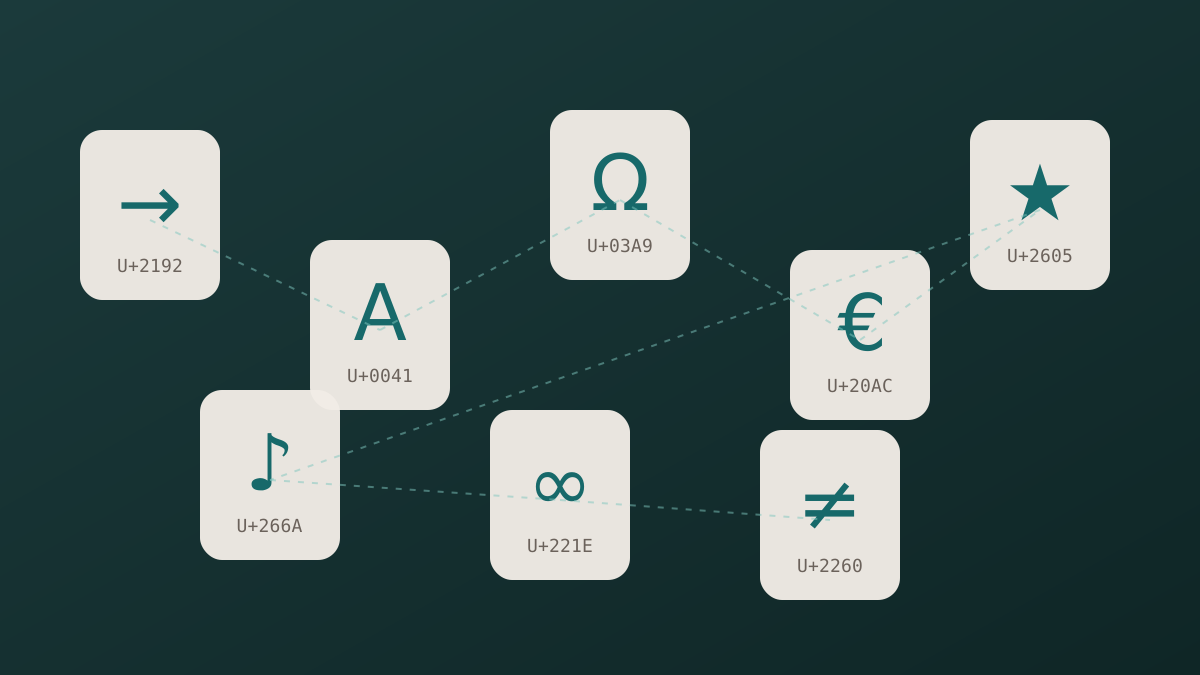
Unicode and Glyphs Explained in Plain Language
How a number in the Unicode standard turns into a visible arrow, star or letter on your screen.
Read article
How to Type Symbols on iPhone and Android
Built-in tricks for special characters on phones, plus a faster route when the system keyboard runs out of options.
Read article
Special Characters on Windows and Mac Computers
The built-in character tools on Windows and macOS, and how they compare with a browser based board.
Read article