
Special Characters on Windows and Mac Computers
2 min read • Updated October 17, 2026
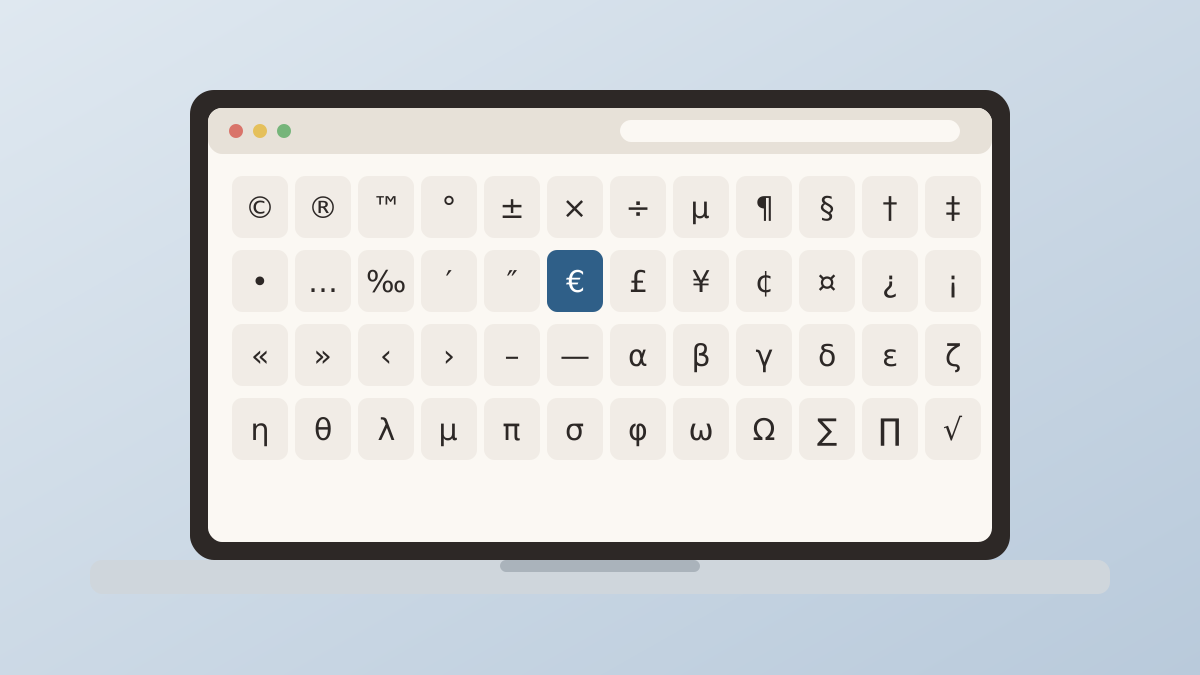
Desktop systems ship with several ways to insert symbols. Each has strengths and quirks, and choosing the right one depends on how often you need it and how many symbols you are after.
Glyphboard: Windows tools
The emoji panel opens with the Windows key and the period key. It includes a symbols tab with punctuation, math, currency and Latin characters. For a larger set, the Character Map app lists every character in a chosen font and lets you copy several at once.
Alt codes are another option. Hold Alt, type a number on the numeric keypad and release. It works well if you memorise a few codes, but laptops without a numeric keypad make it awkward.
Glyphboard: macOS tools
Press Control, Command and Space to open the Character Viewer. You can search by name, browse by category and mark favourites. The Option key also produces many symbols directly, such as the degree sign, the pound sign and several punctuation marks, once you learn the combinations.
Glyphboard: Linux and Chromebooks
Linux desktops often support Control, Shift and U followed by a hex code. Chromebooks offer a similar Unicode entry method. Both take a bit of practice but need no extra software.
Glyphboard: Why a browser board helps
System tools are tied to one machine. If you work on a Windows laptop, a Mac at the office and a phone in between, the steps differ each time. Glyphboard looks and behaves the same in any modern browser, so the habit you build stays with you across devices.
Glyphboard: A simple workflow
Keep Glyphboard open in a pinned tab. When you need a symbol, switch to the tab, search or browse, tap the glyph and paste it back into your document. Because recent picks stay in the recent row, repeated symbols take only a moment.
Need a symbol right now?
Open the board, search by name and tap to copy.
More from the Glyphboard guide
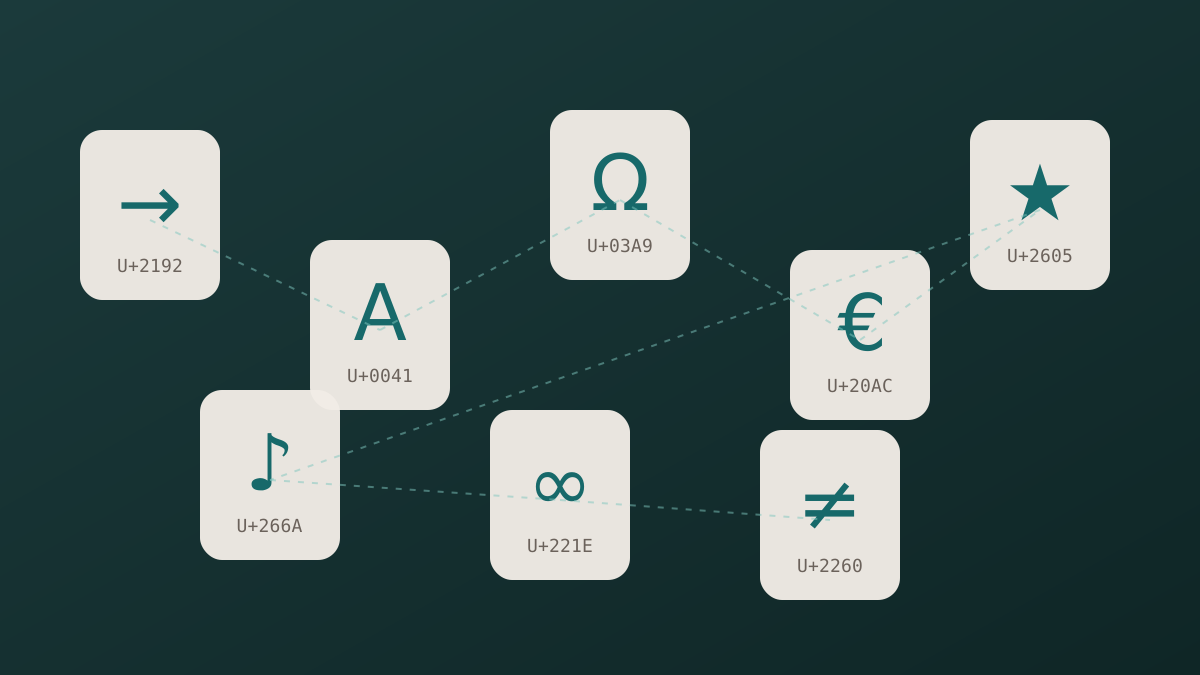
Unicode and Glyphs Explained in Plain Language
How a number in the Unicode standard turns into a visible arrow, star or letter on your screen.
Read article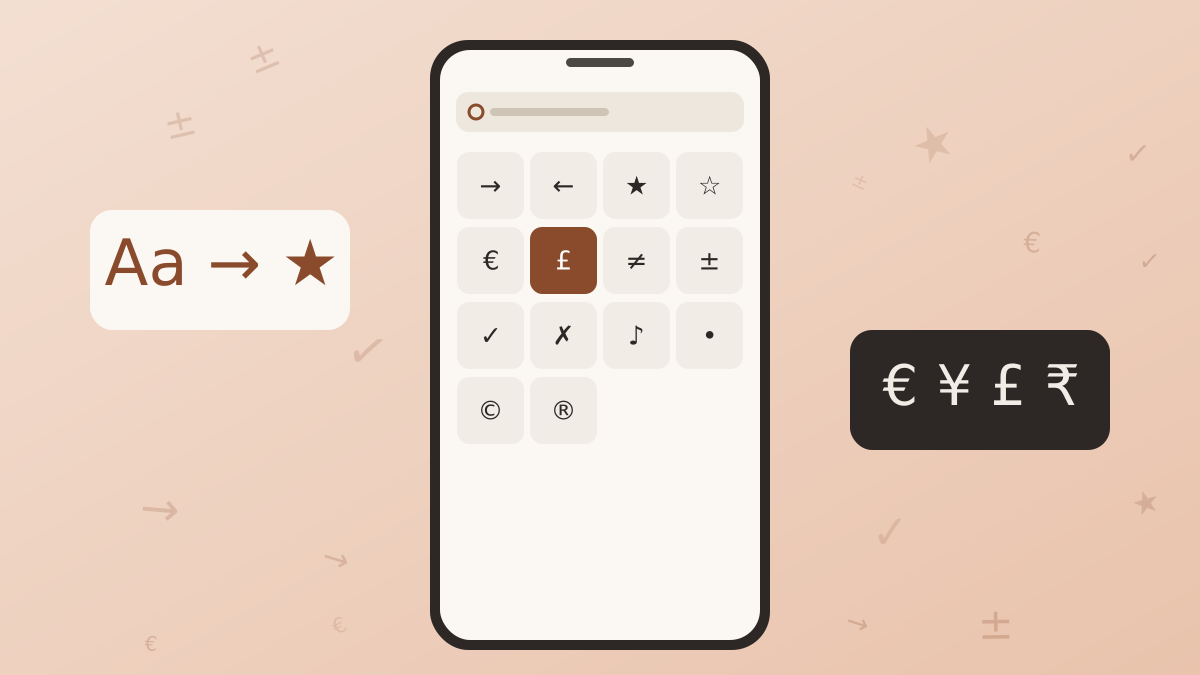
How to Type Symbols on iPhone and Android
Built-in tricks for special characters on phones, plus a faster route when the system keyboard runs out of options.
Read article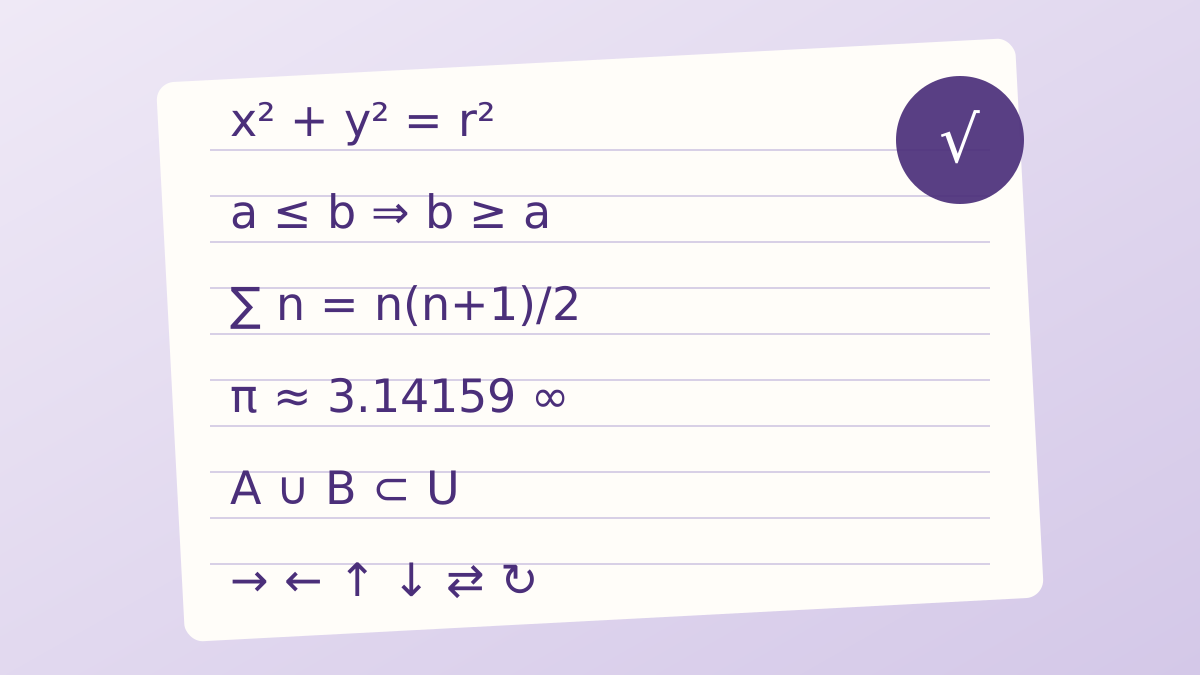
A Guide to Arrow and Math Symbols in Unicode
Which arrows and operators exist, what each one means, and which look-alikes to avoid.
Read article