
Building Text Dividers and Borders with Unicode
2 min read • Updated October 17, 2026
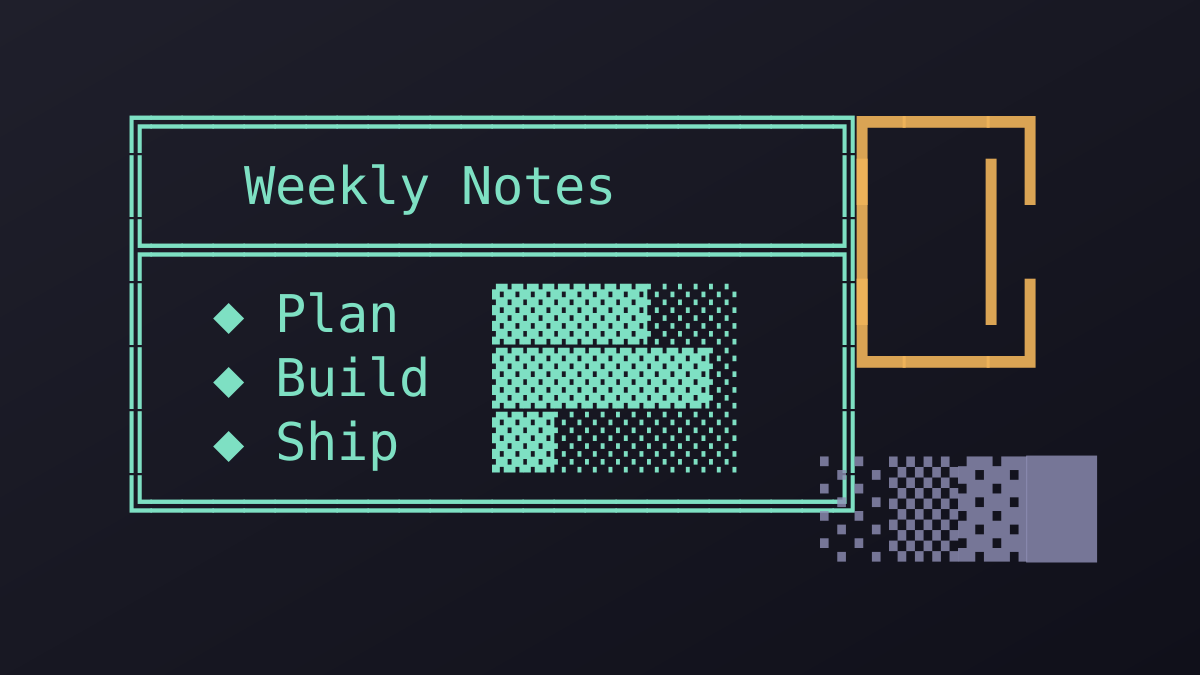
Plain text has no borders or rules, yet a few Unicode blocks provide the building material. With them you can mark sections, frame a note or sketch a simple table anywhere text is accepted.
Glyphboard: Box drawing characters
The Box Drawing block contains horizontal and vertical lines, corners, T-junctions and crosses in single, double and rounded styles. Joined together, they form frames that align neatly in monospaced fonts. This is why they are popular in terminal tools and README files.
Glyphboard: Simple horizontal dividers
A row of long dashes, the heavy horizontal line, or a pattern of dots can separate sections in a message. Keep dividers short on mobile, because a long row may wrap onto a second line and look broken.
Glyphboard: Block and shade characters
Full blocks, half blocks and three levels of shading allow small bar charts and progress indicators in text. A row of filled and empty squares can show a score or a completion level without any image.
Glyphboard: Fonts matter
Alignment depends on a monospaced font. In a proportional font the lines may not meet at the corners. When sharing a text frame, place it in a code block or in an app that uses a fixed-width font.
Building one in Glyphboard
Open the Box Drawing category, tap the corner, the line and the opposite corner in order, and the composer box assembles your frame. Copy the result and paste it where you need it. Test on a second device to confirm that the lines connect cleanly.
Need a symbol right now?
Open the board, search by name and tap to copy.
More from the Glyphboard guide
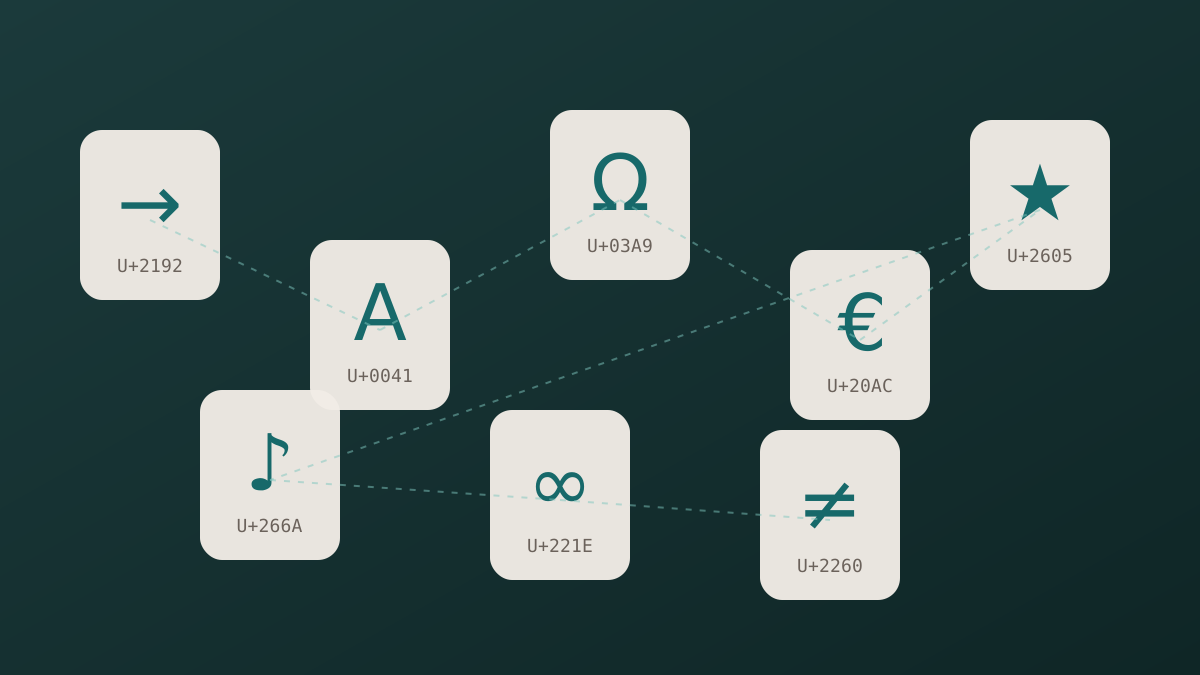
Unicode and Glyphs Explained in Plain Language
How a number in the Unicode standard turns into a visible arrow, star or letter on your screen.
Read article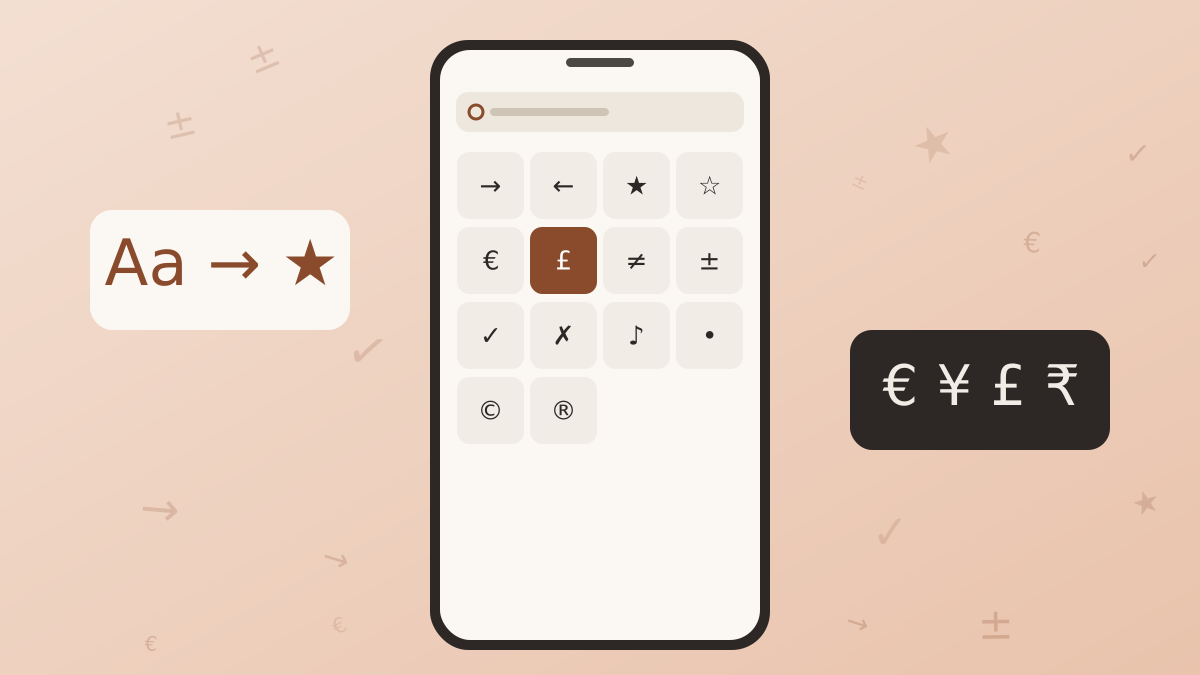
How to Type Symbols on iPhone and Android
Built-in tricks for special characters on phones, plus a faster route when the system keyboard runs out of options.
Read article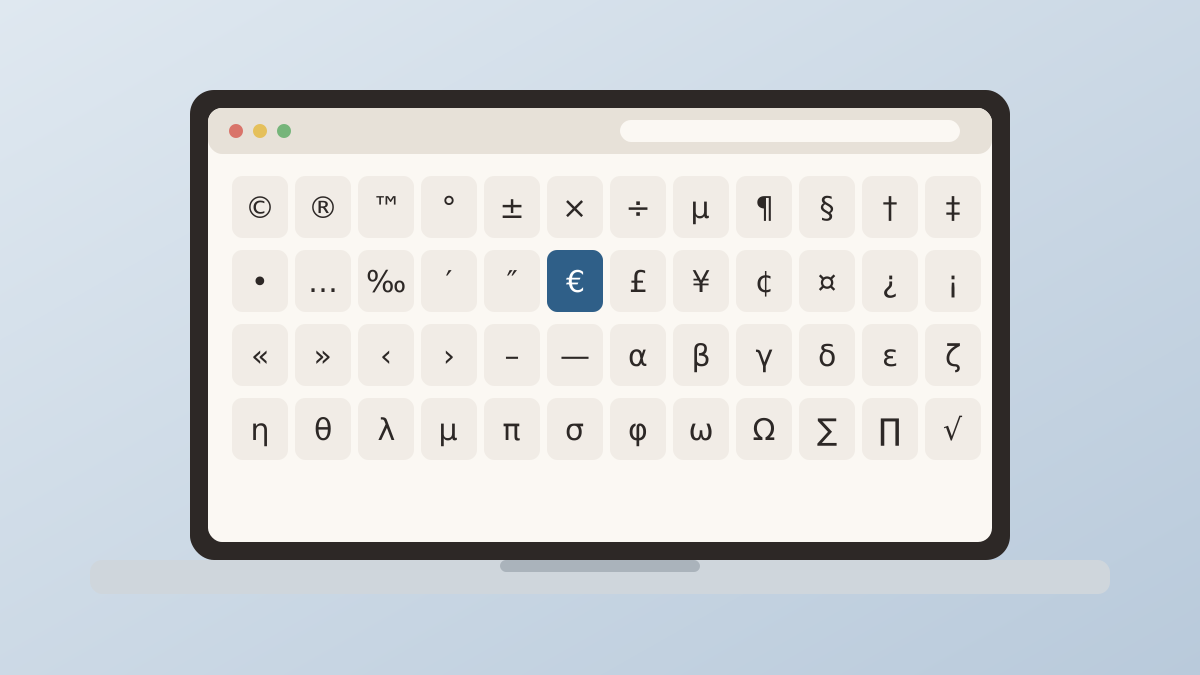
Special Characters on Windows and Mac Computers
The built-in character tools on Windows and macOS, and how they compare with a browser based board.
Read article