
Using Symbols in Social Bios and Display Names
2 min read • Updated October 17, 2026
A short bio has to explain who you are in a few lines. Symbols can act as separators, bullets and gentle emphasis, helping readers scan the text quickly. Used with restraint, they improve a profile. Used heavily, they make it harder to read.
Glyphboard: Separators and bullets
A vertical bar, a middle dot or a small diamond can split a line into clear parts, such as a role, a location and a topic. Bullets like the dot, the triangle or the small square turn a crowded bio into a tidy list. Pick one style and repeat it so the line looks intentional.
Glyphboard: Arrows that point somewhere
An arrow before a link line tells readers where to look. A right arrow or a down arrow works best, and one is usually enough. Placing it directly next to the link text keeps the meaning obvious.
Glyphboard: Keep accessibility in mind
Screen readers announce each symbol by its name. Ten stars in a row become ten spoken words. Keep decorative symbols to a few, and avoid putting them inside your name, where they may be read aloud every time your name appears.
Glyphboard: Check how it renders
Profile pages use different fonts on different devices. A symbol that looks sharp on your phone may turn into an empty box on another. Test your bio on a second device, and pick widely supported characters from standard blocks such as arrows, geometric shapes and punctuation.
Glyphboard: Respect platform rules
Some platforms limit the characters allowed in usernames or handles. Display names are usually more flexible than handles. Read the rules of the service you are using before you commit to a style.
Need a symbol right now?
Open the board, search by name and tap to copy.
More from the Glyphboard guide
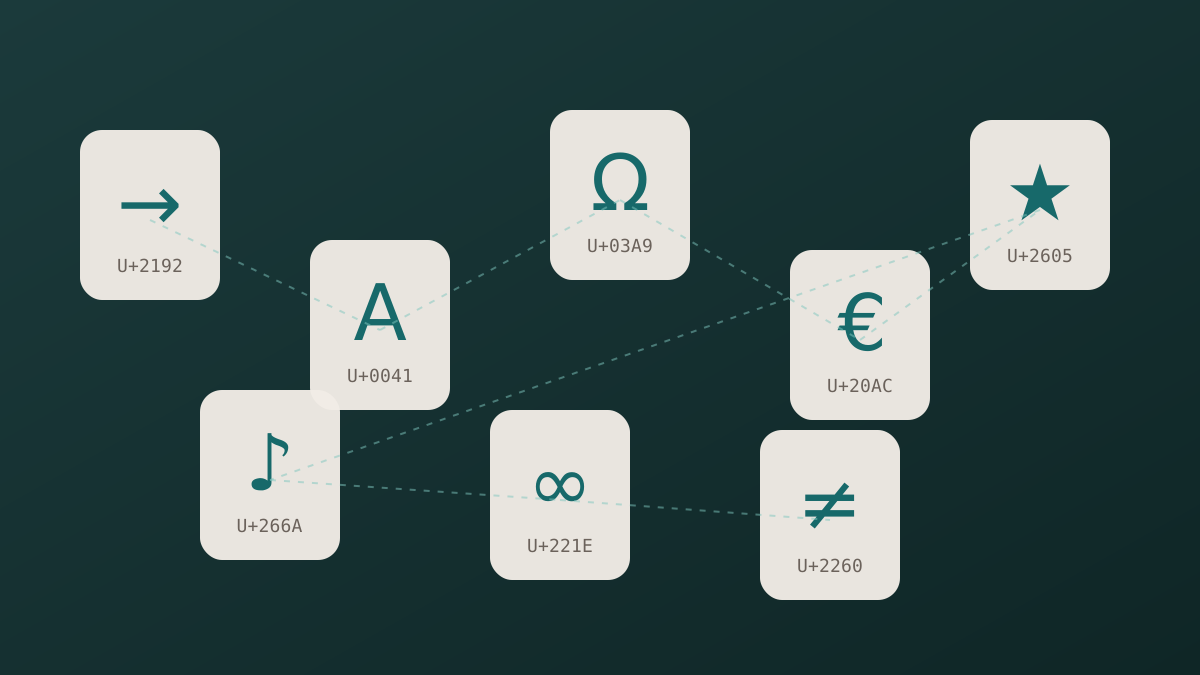
Unicode and Glyphs Explained in Plain Language
How a number in the Unicode standard turns into a visible arrow, star or letter on your screen.
Read article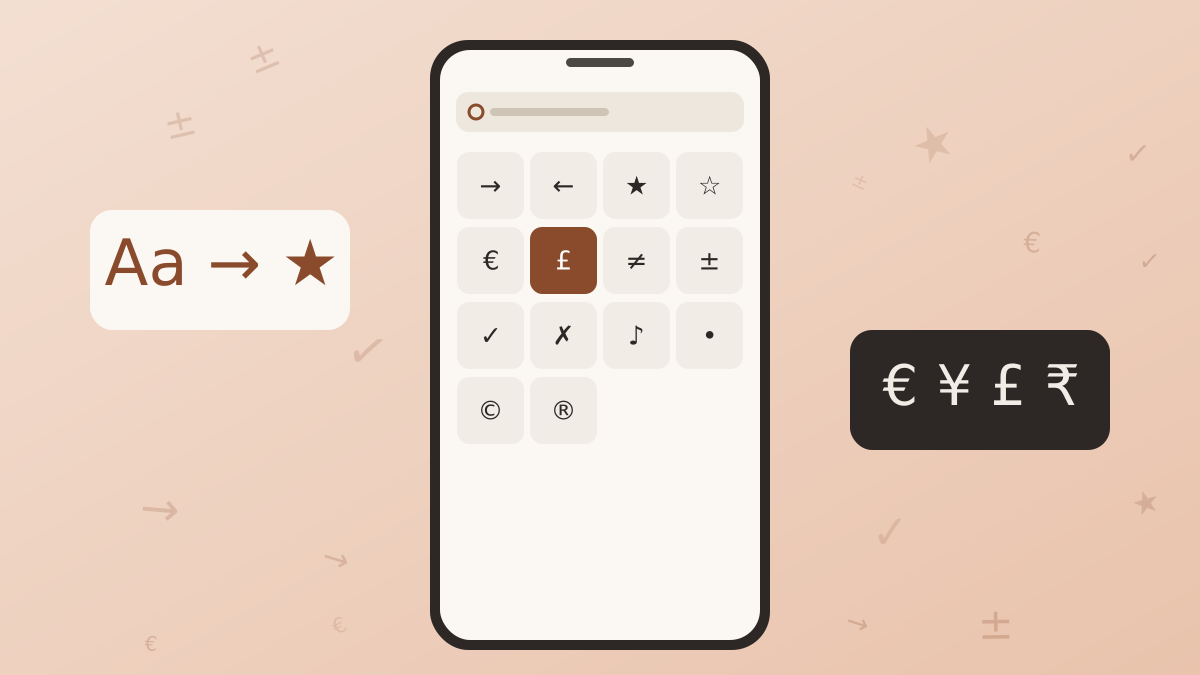
How to Type Symbols on iPhone and Android
Built-in tricks for special characters on phones, plus a faster route when the system keyboard runs out of options.
Read article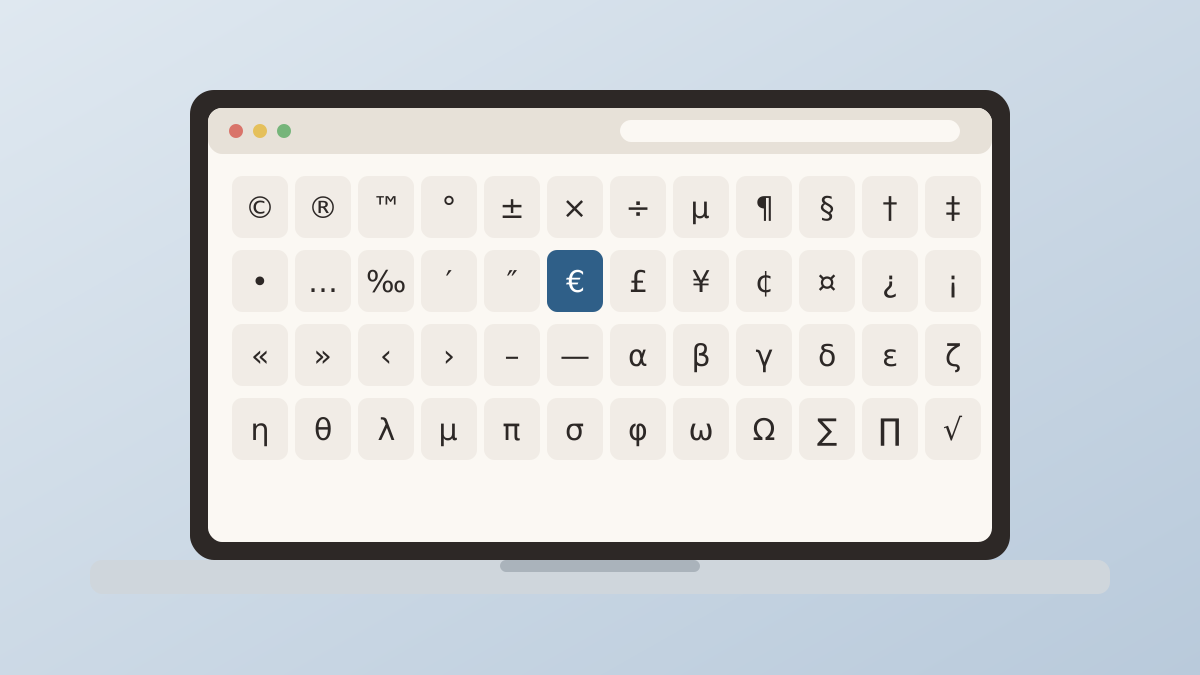
Special Characters on Windows and Mac Computers
The built-in character tools on Windows and macOS, and how they compare with a browser based board.
Read article