
Currency Signs and Punctuation Marks Done Right
2 min read • Updated October 17, 2026
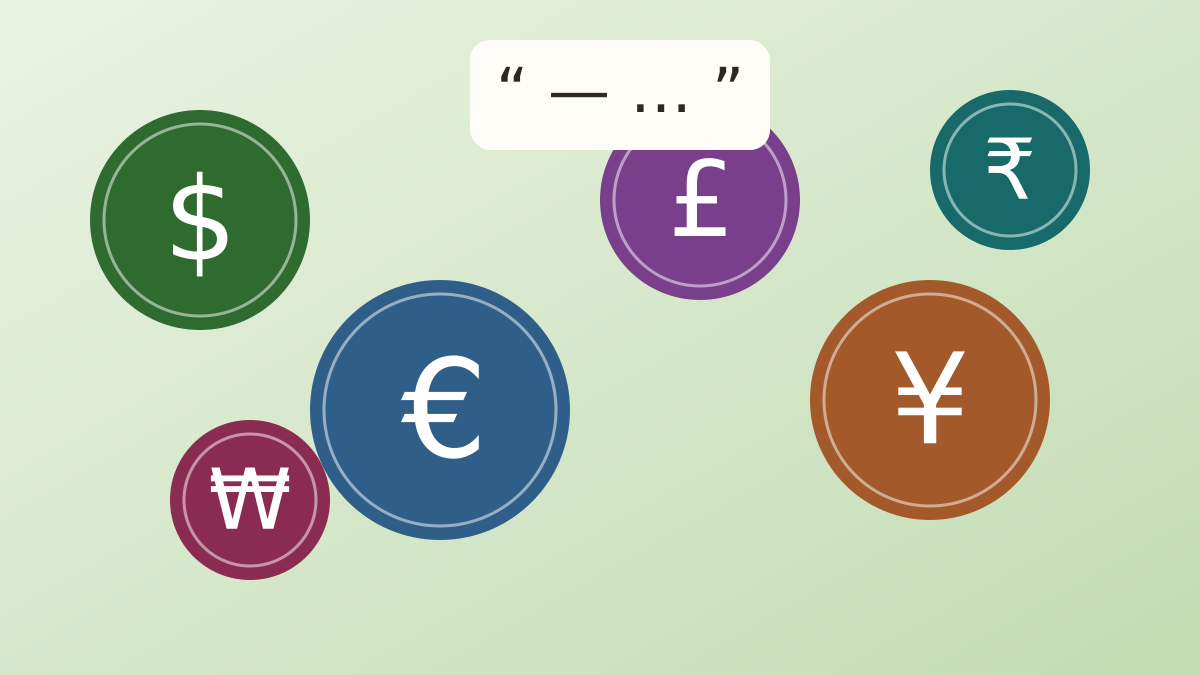
Small typographic details shape how a document feels. Straight quotes, double hyphens and a missing currency sign are easy to overlook, yet replacing them with the proper characters takes seconds and leaves a tidier result.
Glyphboard: Three dashes, three jobs
The hyphen joins words, like “well-known”. The en dash covers ranges, such as 10–20 or Monday–Friday. The em dash marks a break in a sentence. Typing two hyphens in a row is a stand-in that looks improvised next to the real characters.
Glyphboard: Curly quotation marks
Typographic quotes curve toward the text they enclose, with separate opening and closing forms. Single curly quotes double as the apostrophe. Many word processors convert them automatically, but web forms, code editors and chat apps often do not.
Glyphboard: The ellipsis character
Unicode includes a single ellipsis character that keeps three dots evenly spaced and prevents them from splitting across two lines. It is a small upgrade for headings and titles.
Glyphboard: Currency signs from around the world
Beyond the dollar, pound and euro, Unicode has signs for the rupee, yen, won, lira, shekel and many others. When you write prices for an international audience, the correct sign avoids confusion. Glyphboard collects them under one Currency category, so a quick search finds the one you need.
Glyphboard: Spacing and numbers
Place the currency sign consistently, whether before or after the amount, according to the style of the country you are writing for. Use a non-breaking space where available, so the sign and the number never land on separate lines.
Glyphboard: Other handy marks
The section sign, the paragraph sign, the copyright sign, the degree sign and the bullet appear in legal, scientific and editorial writing. Each has its own entry in the board and can be copied with one tap.
Need a symbol right now?
Open the board, search by name and tap to copy.
More from the Glyphboard guide
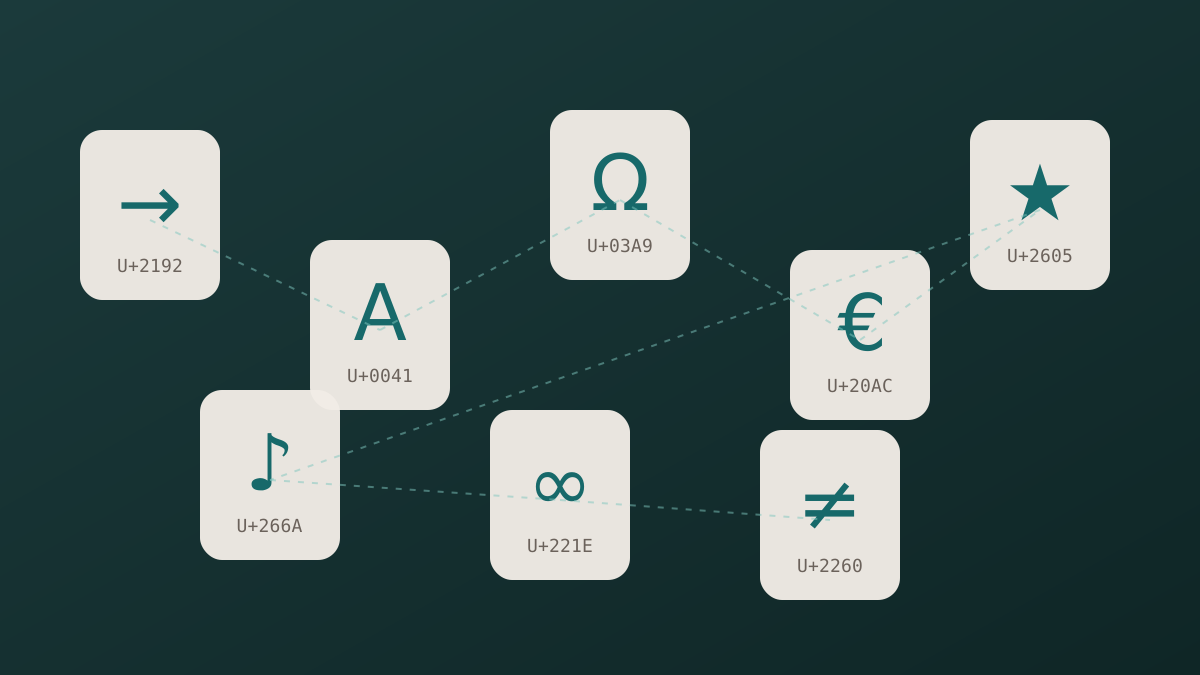
Unicode and Glyphs Explained in Plain Language
How a number in the Unicode standard turns into a visible arrow, star or letter on your screen.
Read article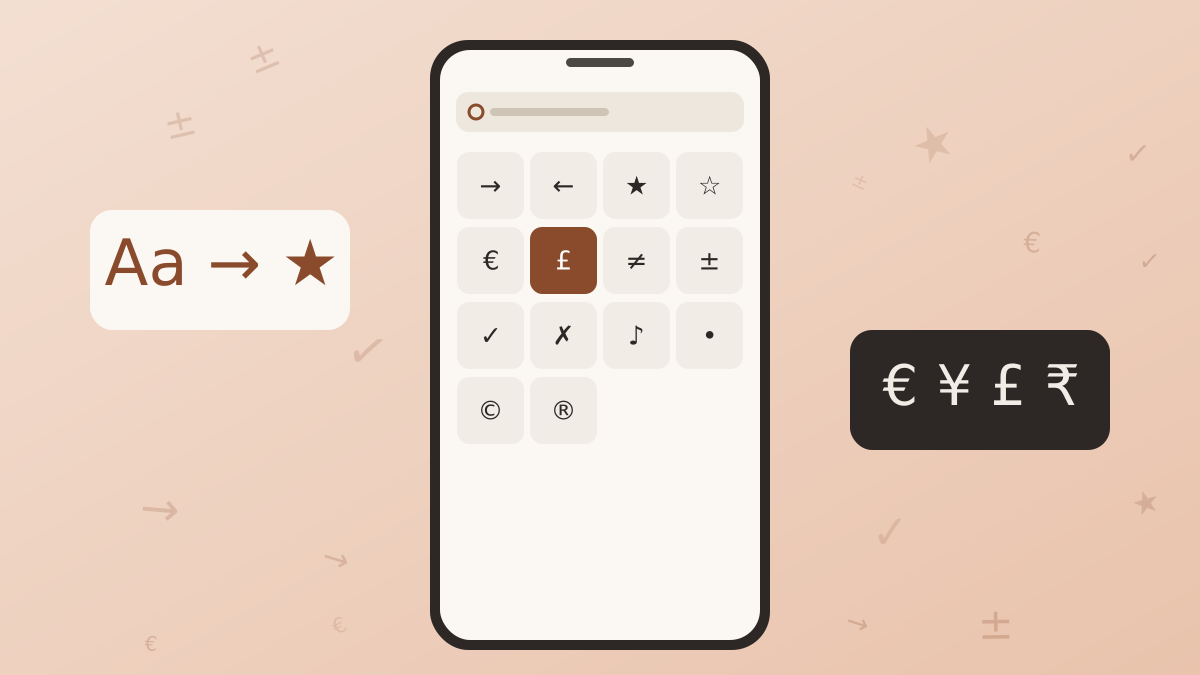
How to Type Symbols on iPhone and Android
Built-in tricks for special characters on phones, plus a faster route when the system keyboard runs out of options.
Read article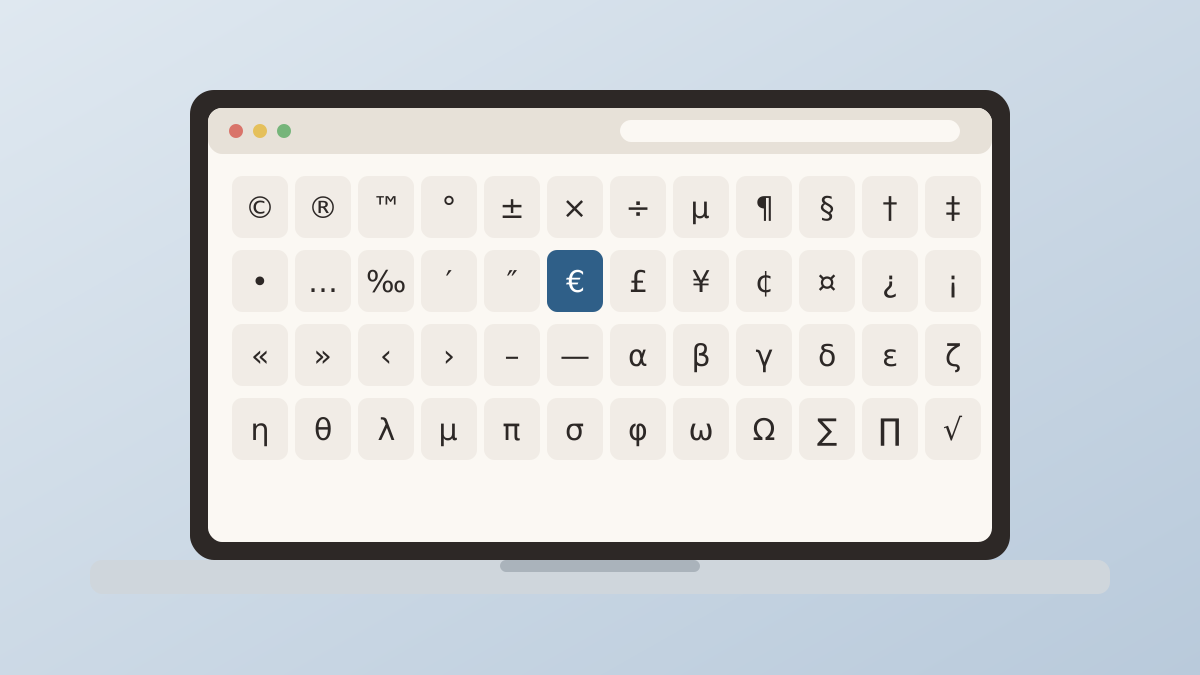
Special Characters on Windows and Mac Computers
The built-in character tools on Windows and macOS, and how they compare with a browser based board.
Read article