
How to Type Symbols on iPhone and Android
2 min read • Updated October 17, 2026
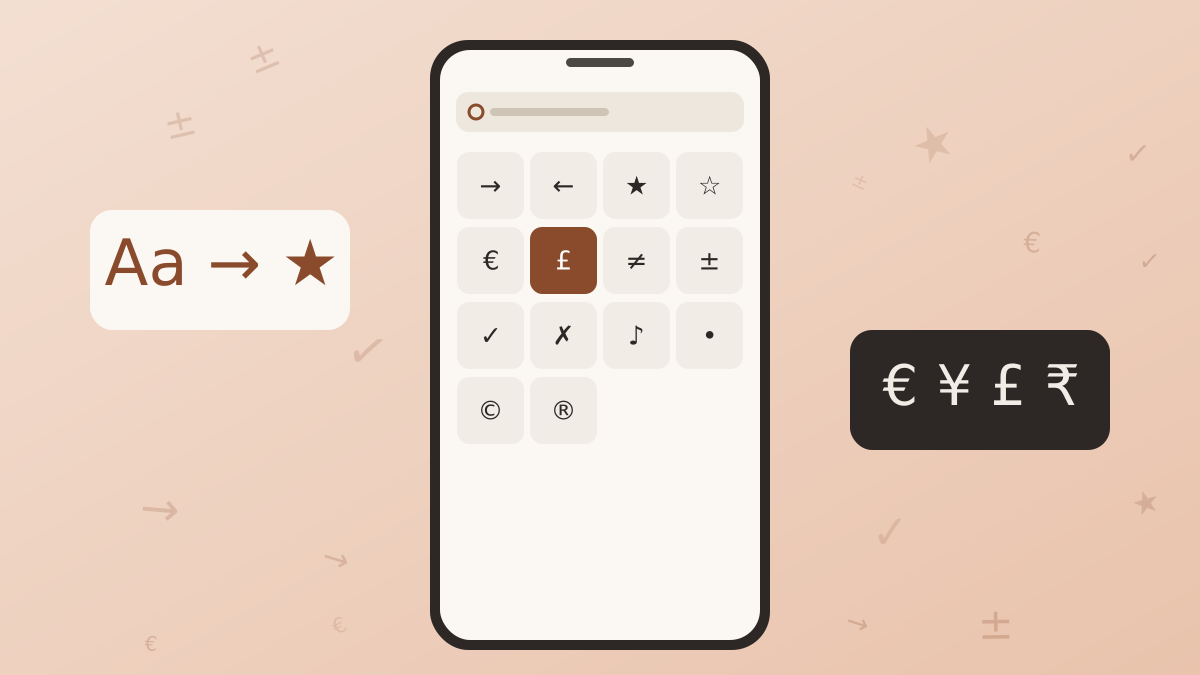
Phone keyboards show only a small slice of the characters Unicode offers. The rest are tucked behind long presses, secondary pages and emoji menus. Knowing where to look saves time, and knowing when to switch to a dedicated board saves even more.
Glyphboard: Long press for variants
On both iPhone and Android, holding a key reveals related characters. Holding the hyphen can show an en dash or em dash, holding the dollar sign lists other currencies, and holding a vowel offers accented versions. This is the quickest method for punctuation and accents.
Glyphboard: The symbols page
Tap the number key to reach the second page, then the symbols key to see more. You will find brackets, a few math signs, the bullet and some currency marks. The selection is limited, and arrows, stars, Greek letters or proper fractions are usually missing.
Glyphboard: Text replacement and shortcuts
Both systems let you save a short phrase that expands into a longer one. You can store a shortcut such as “arrow” that expands into a right arrow. Setting this up takes a minute and works well for the three or four symbols you use every day.
Using Glyphboard on a phone
For anything beyond the basics, open Glyphboard in your mobile browser, choose a category or type a word in the search field, and tap the glyph. It is copied to the clipboard at once. Switch to your messaging app or notes app, hold in the text field and choose paste. The recent row keeps your latest picks within reach.
Glyphboard: Tips for smoother typing
- Add the Glyphboard page to your home screen for quick access.
- Collect several symbols in the composer box, then copy them in one go.
- If a symbol shows as an empty box in one app, test it in another app to see whether the font is the cause.
Need a symbol right now?
Open the board, search by name and tap to copy.
More from the Glyphboard guide
Unicode and Glyphs Explained in Plain Language
How a number in the Unicode standard turns into a visible arrow, star or letter on your screen.
Read article
Special Characters on Windows and Mac Computers
The built-in character tools on Windows and macOS, and how they compare with a browser based board.
Read article
A Guide to Arrow and Math Symbols in Unicode
Which arrows and operators exist, what each one means, and which look-alikes to avoid.
Read article