
Why Symbols Show as Boxes and How to Fix It
2 min read • Updated October 17, 2026
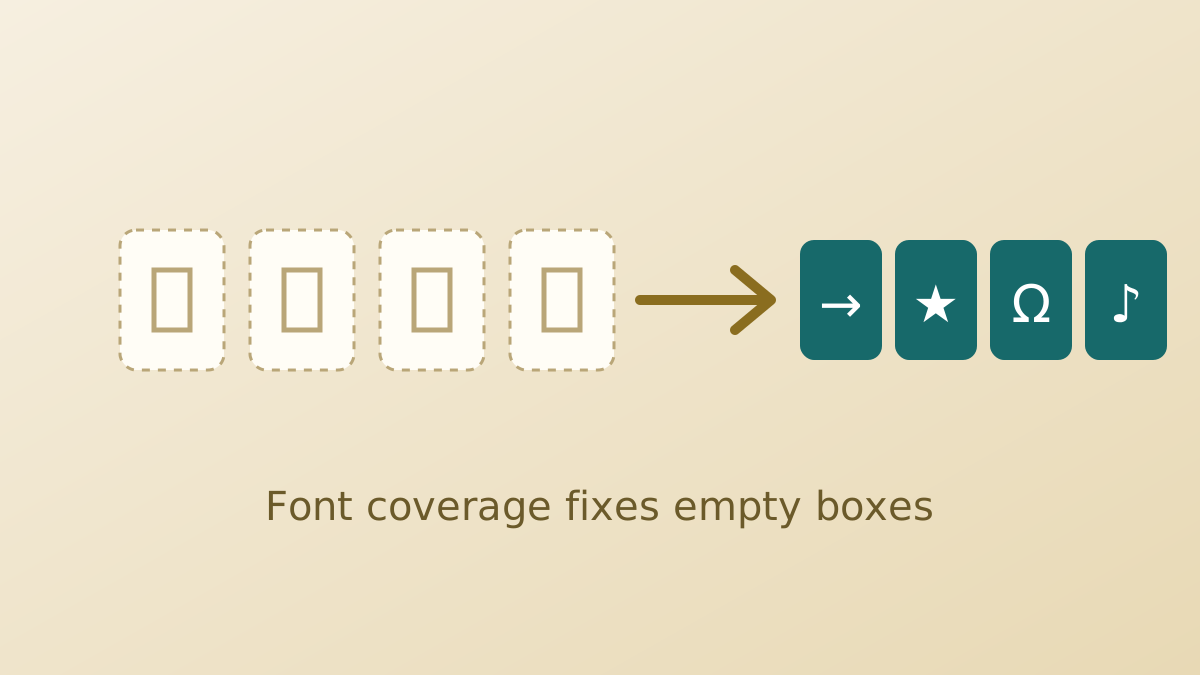
You paste a symbol and see an empty square, a question mark or a few strange letters. The character itself is almost never at fault. The cause lies in the font, the app or the encoding, and each is easy to check.
Glyphboard: Step one: check the font
An empty square means the current font has no picture for that character. Switch the text to a font with wide coverage, such as a system UI font or one of the Noto families, and the box often turns into the right symbol.
Glyphboard: Step two: try another app
Paste the same symbol into a notes app or a browser address bar. If it shows correctly there, the first app is using a limited font. If it fails everywhere, your device may be missing a font for that block, which is common with newer or rarer characters.
Glyphboard: Step three: look at the encoding
A group of odd letters in place of one symbol usually points to an encoding mismatch. A file saved in one encoding and opened as another produces this. Re-open it as UTF-8, or re-save it in UTF-8 and declare it in the page head.
Glyphboard: Step four: update the system
Newer characters arrive with system updates. If a recently added symbol fails to show, installing the latest operating system or browser update often resolves it.
Glyphboard: Choose safer characters
When writing for a wide audience, favour long-established blocks such as arrows, geometric shapes, math operators and punctuation. These display reliably across almost every device. Glyphboard concentrates on these widely supported groups for that reason.
Glyphboard: Keep a plain alternative
For important text such as instructions or prices, add a plain-text fallback beside the symbol. Readers who cannot see it still get the meaning.
Need a symbol right now?
Open the board, search by name and tap to copy.
More from the Glyphboard guide
Unicode and Glyphs Explained in Plain Language
How a number in the Unicode standard turns into a visible arrow, star or letter on your screen.
Read article
How to Type Symbols on iPhone and Android
Built-in tricks for special characters on phones, plus a faster route when the system keyboard runs out of options.
Read article
Special Characters on Windows and Mac Computers
The built-in character tools on Windows and macOS, and how they compare with a browser based board.
Read article